From content production and terminal management to publishing policy, organise scattered screens into a unified, controllable and operable digital display network.
Centralised scheduling at the platform layer, delegation by organisation and building at the organisation layer, and mixed playback devices at the terminal layer.
Smart playback control platform
Programme creation
Asset management
Scheduling and publishing
Zone playback
Terminal control
Tiered permissions
Content review
Operations monitoring
Workbench overview
This week's playback tasksAll terminals · 12 sites
Device management
Terminal listOnline 46 / 47
Platform layer
One back office handles scheduling, review, distribution and reporting.
Organisation layer
Delegated permissions by organisation, building and department.
Terminal layer
All-in-one displays, playback boxes and domestic terminals can be mixed freely.
01
Content production
CONTENT PRODUCTION
Material content centre
Unified management, categorised review and version control for all asset types.
Visual programme scheduling
Free layout, template reuse, preview review and publishing.
02
Terminal management
TERMINAL MANAGEMENT
Terminal cluster control
Connection monitoring, remote power control and volume adjustment.
Organised device management
Group management with three levels of locations: area, building and floor.
03
Publishing management
PUBLISHING MANAGEMENT
Policy-based smart publishing
Scheduled slots, priority policies and task expiry management.
Zone-targeted playback
Target by area, building and floor, with differentiated policies.
Publishing server / admin console
Control platform
Network management / switch
Sub-control terminal
Playback terminal
All-in-one display
Touch query screen
LED video wall
Domestic terminal
02 DEPLOYMENT & HARDWARE
Deployment and hardware
Choose from three deployment modes based on network conditions. Keep existing displays and replace only the playback endpoints.
On-premises deployment
Government cloud / private cloud
Public cloud SaaS
01Star topology with real-time monitoring of terminal online status.
02Playback continues offline and synchronises automatically when the network returns.
03Publish as soon as you connect, from one screen to one hundred.
03 INDUSTRY SCENARIOS
Six industry scenarios
Organise screens by location and content by business. Different industries share one publishing platform while managing their own scope.
01
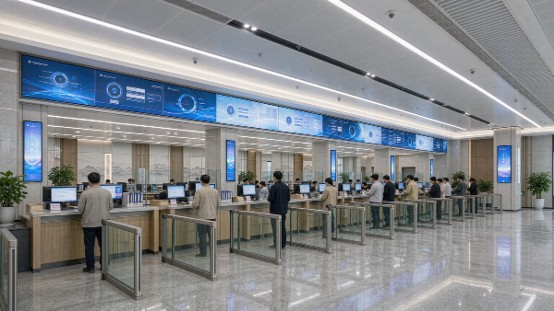
Government service hall
Sites
Counter screens, main hall display and elevator hall landscape screens
Needs
Queue numbers and policy notices on one screen, with counters editing their own content
02
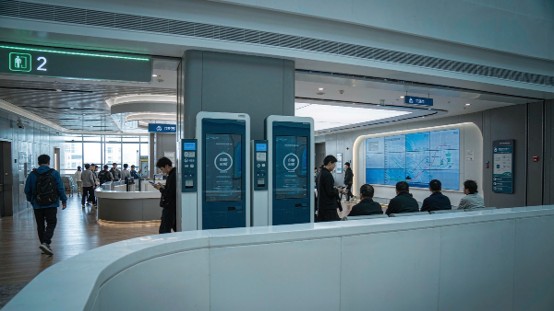
Hospital
Sites
Outpatient hall portrait screens and floor waiting-area landscape screens
Needs
Department-based scheduling and automatic silent education content at night
03
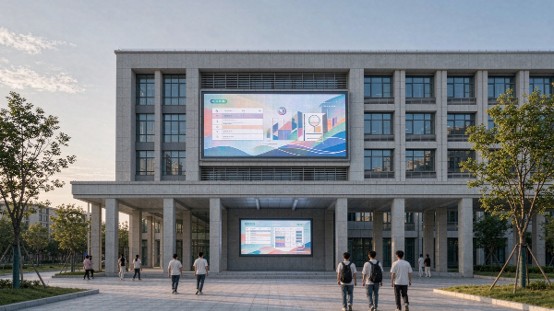
School campus
Sites
Teaching building corridors, library and sports field screens
Needs
Scheduled playback by campus timetable and central blocking during exams
04
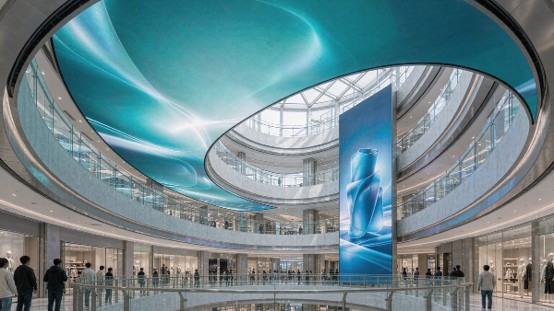
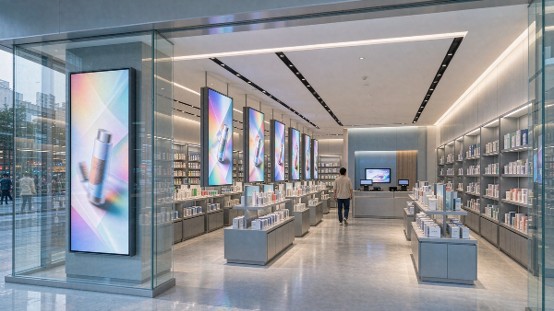
Commercial complex
Sites
Atrium screens, elevator halls and storefront displays
Needs
Unified campaign scheduling with individual merchant content
05
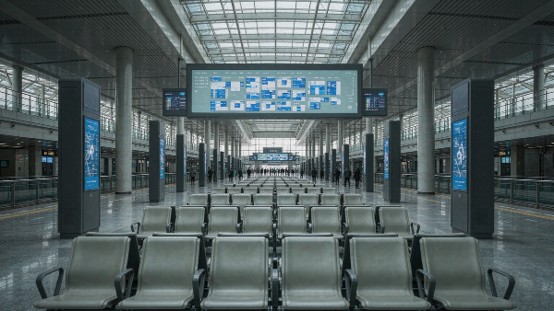
Transport hub
Sites
Waiting areas, transfer corridors and entrance portrait screens
Needs
Real-time service updates with priority coverage for emergency information
06
Chain store
Sites
Store windows, checkout counters and in-store portrait screens
Needs
Central distribution from headquarters with regional localisation
04 SERVICE & DELIVERY
Service and delivery
From site survey to long-term operations, organise planning, implementation, training and upgrades into a sustainable delivery process.
01
Solution service
Survey sites and network conditions, then deliver a configuration list and deployment diagram.
02
Implementation and handover
Device integration, system deployment and content migration in one pass.
03
Technical support
Administrator training, operation manuals and remote troubleshooting.
04
Iterative upgrades
Continuous version updates with new features enabled as needed.
BOOK A DEMO
Book a remote demo
Get industry solution materials
A 30-minute online session that runs your real programme schedule through the full workflow.